Elin on macOS
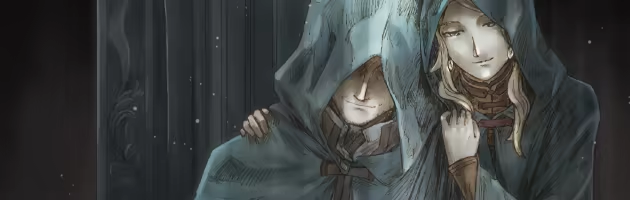
Successor to the roguelike RPG "Elona". Adventure, survival, crafting, home-building, myths passed down, and stories of humans and Elea spun. What scars will you leave on the land of Ylva?
Playing Elin on macOS
Elin has been tested and is playable on macOS. See Playability Reports below for more details.
Elin is playable on macOS using Parallels, virtual machine software that lets you run Windows on macOS.
Playability Reports
Details on how Elin has been tested on macOS.
Discuss playing Elin on macOS in our forums .
Discuss playing Elin on macOS in our forums .
- Mac mini M4
- 24GB RAM
- 10-Core CPU
- 10-Core GPU
- macOS Tahoe
- Method
- Parallels (Windows) v26.1.1
- Game Launcher
Comments
If textures are missing, as they were for me, do the following:
1. Open the virtual machine configuration.
2. Navigate to Hardware > Boot Order > Advanced Settings > Boot flags.
3. Paste the following line into the Boot flags field: video.untrimmed_dynamic_cbuffers=1
- Mac mini M4
- 24GB RAM
- 10-Core CPU
- 10-Core GPU
- macOS Tahoe
- Method
- CrossOver v26.0.0 Preview
- Game Launcher
- Additional Info
- Demo was played
Comments
When starting a new game, once it's daylight a dialog opens and then the game no longer accepts any input.
I was also unable to load my saved game (auto-saved game). The load button does nothing when clicked.
About Elin
Live freely as an adventurer with your companions and pets. The marks you leave and the scars you inflict upon this world are entirely up to you.
Key Features:
- A sandbox, open-world RPG based on roguelike gameplay.
- Live your life, survive, craft, build and manage bases and towns, enjoy housing, fishing, theft, music, farming, livestock breeding, childbirth, setting up shops, tourism, and much more.
- A seamless blend of endless randomly generated content and carefully crafted fixed content faithful to the world setting.
- A continuously expanding world and gameplay. Updates will continue even after the early access.
- The prologue to an epic story revolving around humans and the Elea.