
1000 Waves is Untested on macOS
1000 Waves has not yet been tested on macOS.
About 1000 Waves
1000 Waves is a game about progression as the player's ultimate goal is to clear all 1000 waves and defeating the final boss.
-
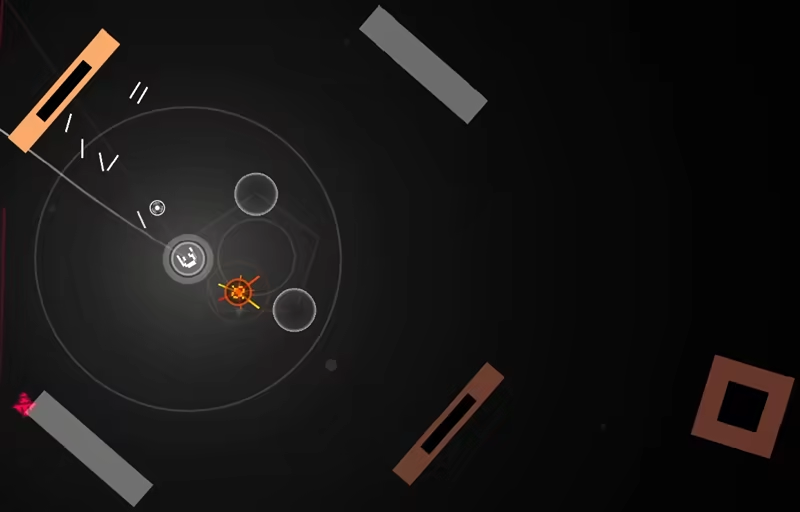
Procedurally generated dungeons hinder the movement of the player as they must maneuver around and avoid hazardous obstacles that may appear.
-
Within the center of the arena powerups will spawn the will temporarily enhance the player. A vast amount of unique enemy types will be encountered as you make your way to the 1000th wave. Utilize an array of unique weapons where some are more beneficial than others towards defeating certain enemy types.
-
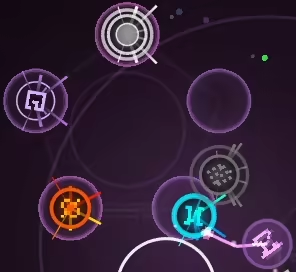
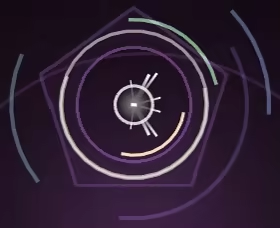
Every 25th wave you will encounter a tail pickup necessary for utilizing the bomb function and can be useful towards blocking enemy bullets and swiping away enemy swarms.
-
Additionally 0-3 perks have a chance at spawning that will boost many aspects of one's playthrough such as stronger bombs and enhancing powerup abilities.

-
Experience points are gathered via destroying enemies, collecting multiplier gems, and completing objectives within a certain amount of time.

-
A few objectives include but are not limited to:
-
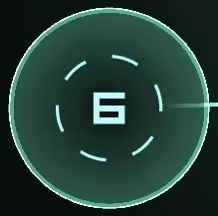
Pathway - Following a defined number of points, reaching 0 completes the objective.
-
Defend - Destroy surrounding enemies before they collide with the objective, when the timer runs out it completes the objective.

-
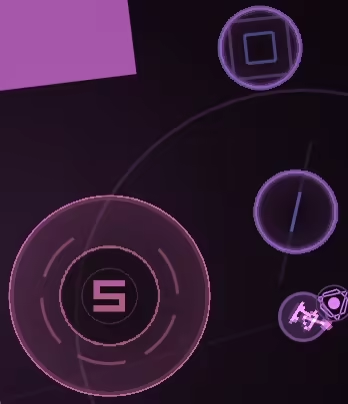
Maneuver - Collect a defined number of orbs scattered around the arena before time runs out, once they have all been brought to the main objective it will be completed.
-
-
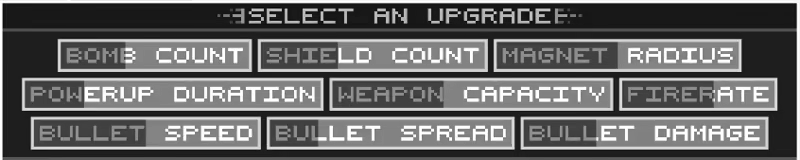
Experience points gained can be used to level up your ship in many ways such as increased firepower, heightened defense capabilities, and powerup longevity.
macOS Game Tests
1000 Waves tested on macOS.
1000 Waves is not natively supported on macOS. See below for potential ways you can play it that have been tested.
1000 Waves hasn't been tested yet on macOS.