
Back To Village is Untested on macOS
Back To Village has not yet been tested on macOS.
About Back To Village
The meaning of the keys,
1: "W", "A", "S", "D" are used to move the character on the ground
2: "T" key, used for flying. In flight state, "E" and "Q" are used for ascending and descending. Press "T" again and it will fall to the ground.
3: "R" construction function, on the displayed building page, select the building that needs to be built and build it.
4: The left mouse button is to attack
Game modes:
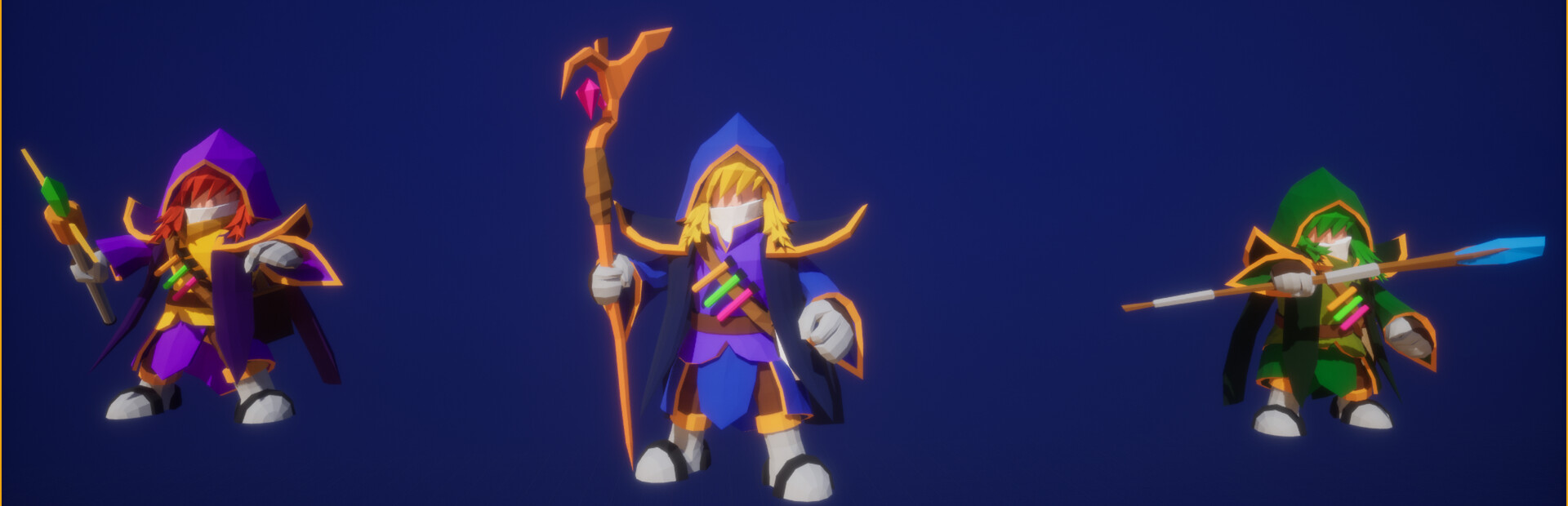
1: Choose different characters yourself. Different characters have different attack power against monsters and collection abilities.
2: Monsters will constantly attack your village. If your village is attacked by monsters, the village will no longer be there.
3: There will be thieves who will enter your village and steal your wood and stones, but the thieves cannot attack you, but you can attack the thieves.
4: You can collect wood and stone, which are the materials for building defense towers.
5: In addition to consuming these materials during construction, defense towers will also consume when defending.
6: As a reward for protecting your village, your gold coins will increase with the time you protect your village.
macOS Game Tests
Back To Village tested on macOS.
Back To Village is not natively supported on macOS. See below for potential ways you can play it that have been tested.
Back To Village hasn't been tested yet on macOS.