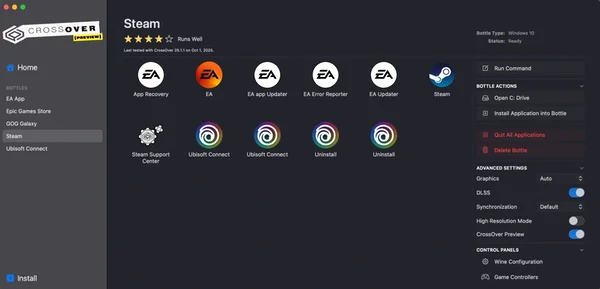
BPROOF is Untested on macOS
BPROOF has not yet been tested on macOS.
About BPROOF
How to Play
You can start the Game as Single or Multiplayer. The settings are nearly identical. You can choose
- how many waves of enemies you want to fight, whether special enemies should appear
- which types of enemies you want to fight
- which type of weapon you want to use
Choose the map you want to fight on and get started
However, if you choose an escape map, no options are available to you. In escape mode, you have to escape from locations while being chased. You also have to solve puzzles.
The other option you have is, of course, the Random Match mode. This is a one-click solution. The game then decides on the map, enemies, and weapons.
By killing enemies, you earn points that are credited to your account after a match. The points in your profile can then be used in the points shop to purchase new maps.
This can lead to a variety of possibilities, such as: a western town against zombies with sci-fi weapons.
This is, of course, most fun when played with friends.
The multiplayer mode offers the option of inviting Steam friends directly from the lobby. Of course, you can also create a general server that strangers can join.
Once you arrive on the map, you initially only have one standard weapon, such as a pistol or a knife, depending on the weapon type you've chosen.
You earn points by killing enemies; at various locations on the map, there are random weapon boxes where you can purchase weapons with the points.
macOS Game Tests
BPROOF tested on macOS.
BPROOF is not natively supported on macOS. See below for potential ways you can play it that have been tested.
BPROOF hasn't been tested yet on macOS.