
diorama is Untested on macOS
diorama has not yet been tested on macOS.
About diorama
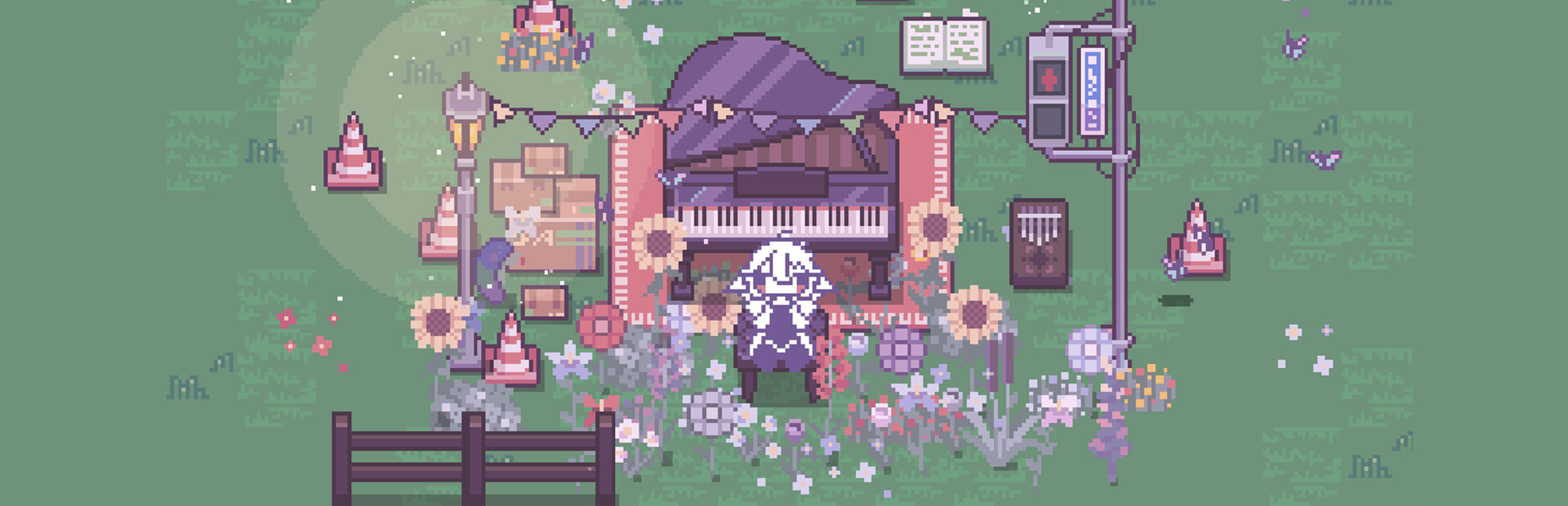
...No thoughts, just head empty and decorate.
so... what to do?
- you can customize and freely expand/resize most furniture~
- change both weather and time to affect the atmosphere of your diorama~
- most furniture is interactable (and squishable...)~
- custom furniture (drag and drop sprites into the game...)~
- invite friends to help you decorate your diorama (this game is not guaranteed to actually ship with friends but i'm working on it.....)~
- pop bubble wrap~
- there are no beds.
- other stuff...? (there are around 1000 decorative pieces or so; despite the obvious decor counter, i’m not actually able to count this high yet so i’m just guessing really….)
- seriously though, this is just yet another decorating game so all you do is place stuff meaning you should keep your expectations low; but i still hope that you ultimately end up liking diorama since I put a lot of work into it!!~
controls... but what do they do?
WASD / arrow keys - move around your diorama
left mouse button - place furniture anywhere you like
right mouse button - customize most furniture by changing their colour
middle mouse button - copy any selected furniture (surprisingly, this might be the most underused button in most games...)
R - flip/mirror furniture (useful for non-symmetric furniture...)
F - search for furniture by typing names or keywords
E - hide the interface
˚ ༘♡ ⋆。˚ ❀
macOS Game Tests
diorama tested on macOS.
diorama is not natively supported on macOS. See below for potential ways you can play it that have been tested.
diorama hasn't been tested yet on macOS.