Ninja Numpties is Untested on macOS
Ninja Numpties has not yet been tested on macOS.
About Ninja Numpties
Ninja Numpties is a video board game where 2-4 players place traps on a mini Chess board island, but watch out – the traps disappear next turn! Earn ninja stars by pranking your frenemies... Whoever has the most stars by the end of the game wins!
Three distinct kinds of traps!
- Push Tiles drag your foes around or even off the island! Daisy-chain them to form a conveyor belt!
- D4 Caltrops deal damage to your (opponent’s) dice roll!
- Rock-Paper-Scissors traps start the RPS minigame! The winner gets at least 1 star – raise the stakes by making a Push Tile path to the rock/paper/scissors...
Press P to pause, not Escape!
- Ninja Numpties is a Game Maker 8.0 game so the Escape key instantly closes it!
- Autosave to the rescue! Return to where you left off before you “paused” the game...
- Start button on gamepads will pause the game as usual.
Adjust match settings!
- Set number of rounds to adjust the length of the play session (game autosaves, so feel free to continue a long session later...)
- Individually adjust the first d6 roll and all subsequent d6 rolls... (random or fixed value)
- Set d4 caltrop damage (Random, fixed value, or even Push Tile conveyor combo!)
- Wrong settings? Pause the game (with P key) to revisit the Settings menu!
Supports a wide range of gamepads and even shows their buttons!
- PlayStation DualShock 3/4 and DualSense
- Xbox 360, One and Series S | X
- Nintendo Switch Joy-Con (individually) and Pro controllers
- NES, SNES (Purple and Multicolour), Gamecube controller and Wii Nunchuck
- uDraw tablet (PlayStation 3 model)
Choc-a-bloc full of memes and puns!
- Licensed Vine boom and Kill Bill guitar riff (“rizz sound”)
- Silly puns such as earning stars (badum tuss!)
- Badly drawn memes!
macOS Game Tests
Ninja Numpties tested on macOS.
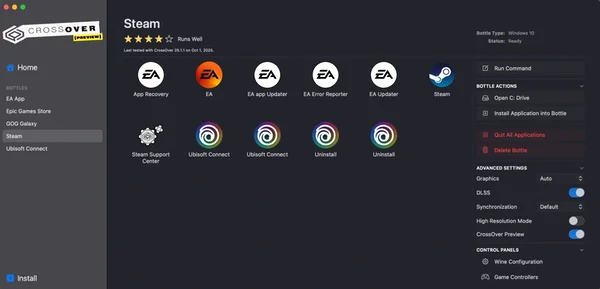
Ninja Numpties is not natively supported on macOS. See below for potential ways you can play it that have been tested.
Ninja Numpties hasn't been tested yet on macOS.