
Starship Intruder is Untested on macOS
Starship Intruder has not yet been tested on macOS.
About Starship Intruder
Control your starship by using the command line interface. You will use commands to utilize the weapons, move from sector to sector, raid planets, enter warp, draw space cards to obtain advantages (and disadvantages) and much more.
As an example, you can order your starship to move to sector 3 by the following command:

However, the wording is not very critical. You could also have input "go to sector 3" or "fly to sector 3" to yield the same result. Even just typing "3" will work. Likewise, "fire photon torpedo" can also be obtained by "fire photon", "fire torpedo", "launch photon torpedo" etc.
The command line interface was inspired by classic PC games, such as Space Quest and Leisure Suit Larry.
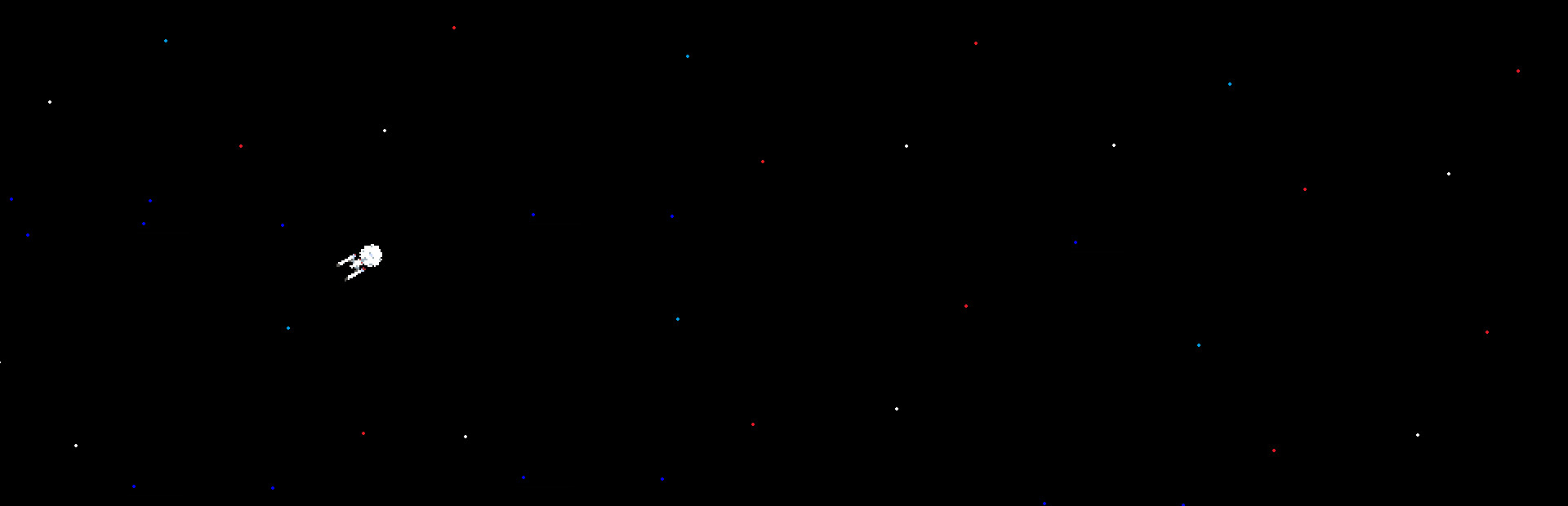
Starship Intruder was created with crude, almost black and white, graphics. This was done to emulate the look of early PC games. The sound and mucis was done with an analog synthesizer, a digital synthesizer and a drum machine. Everything is synthetic, except for the voice - which has been run through a vocoder.
A list of commands can be found in the game menu.
Command examples:
- "go to warp" or "engage" etc.
- "move to sector x" or just "x" etc.
- "fire photon torpedo" or "launch photon" etc.
- "stop music"
- "fire decoy"
- "exit game"
- "beam down landing party" or "send team" etc.
- "beam up landing party" or "beam back crew" etc.
- "draw card" or "flip card" etc.
macOS Game Tests
Starship Intruder tested on macOS.
Starship Intruder is not natively supported on macOS. See below for potential ways you can play it that have been tested.
Starship Intruder hasn't been tested yet on macOS.